Chess Engine ADOCE
A downloadable game for Windows
Think you can beat ADOCE? My homemade chess engine is waiting for you.
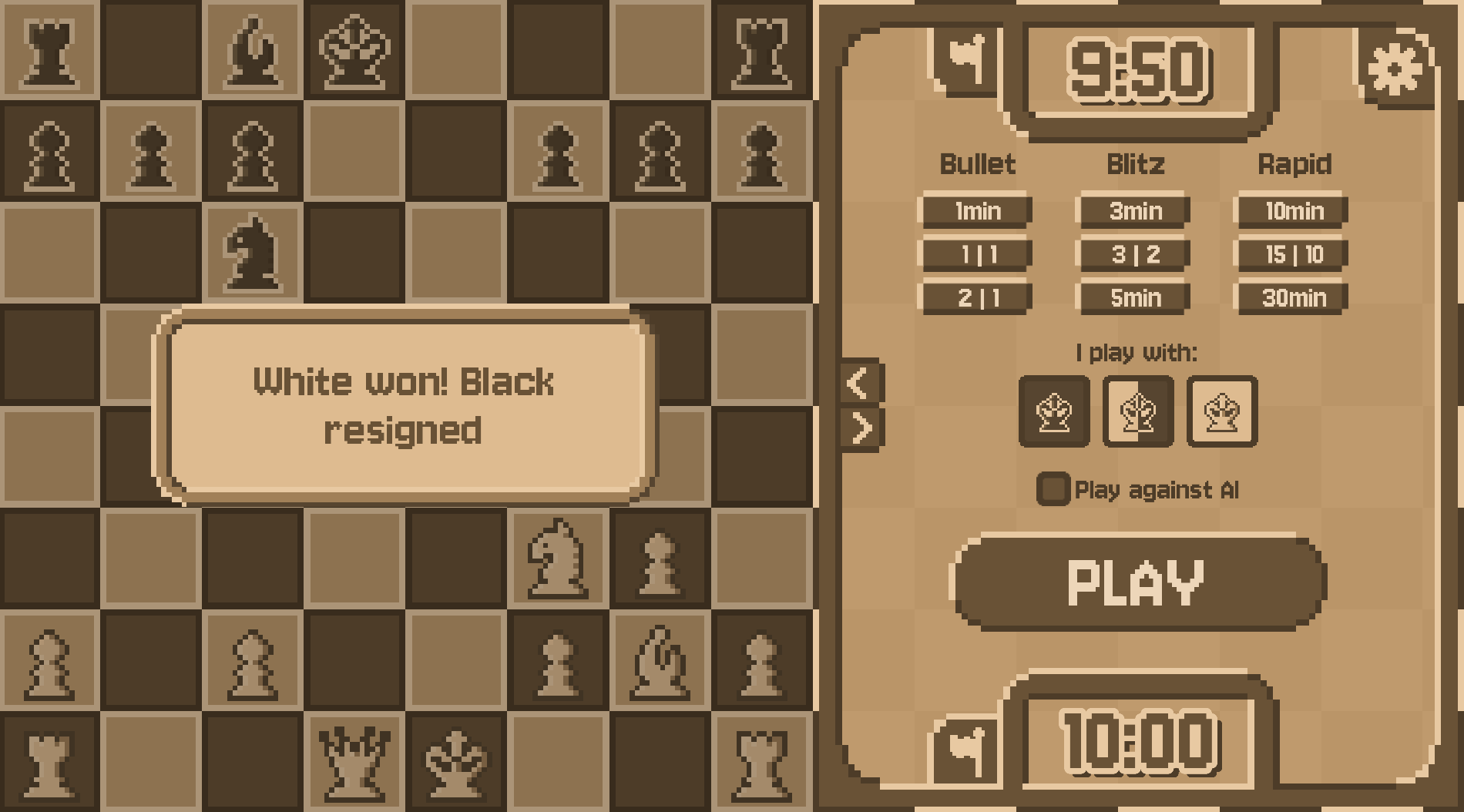
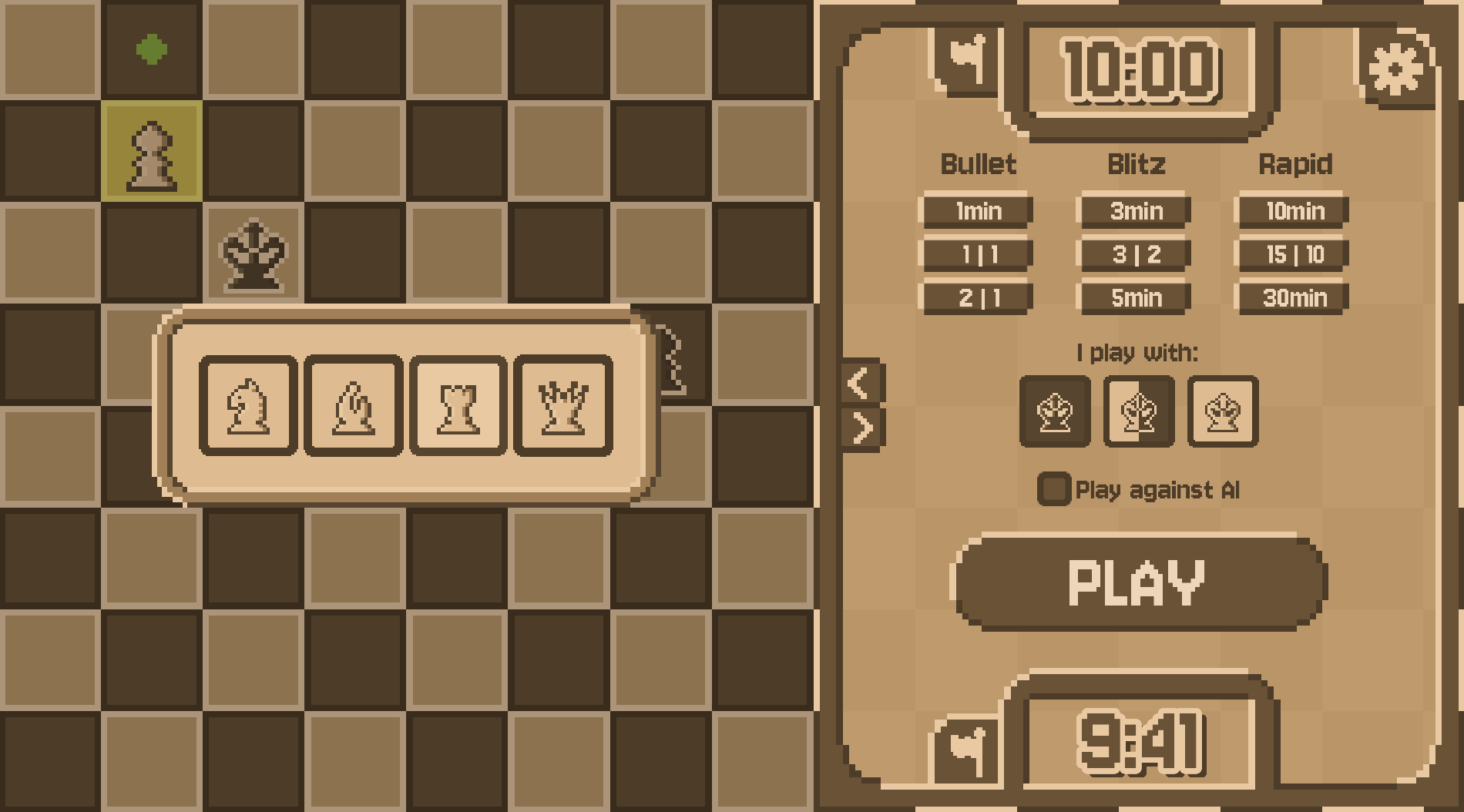
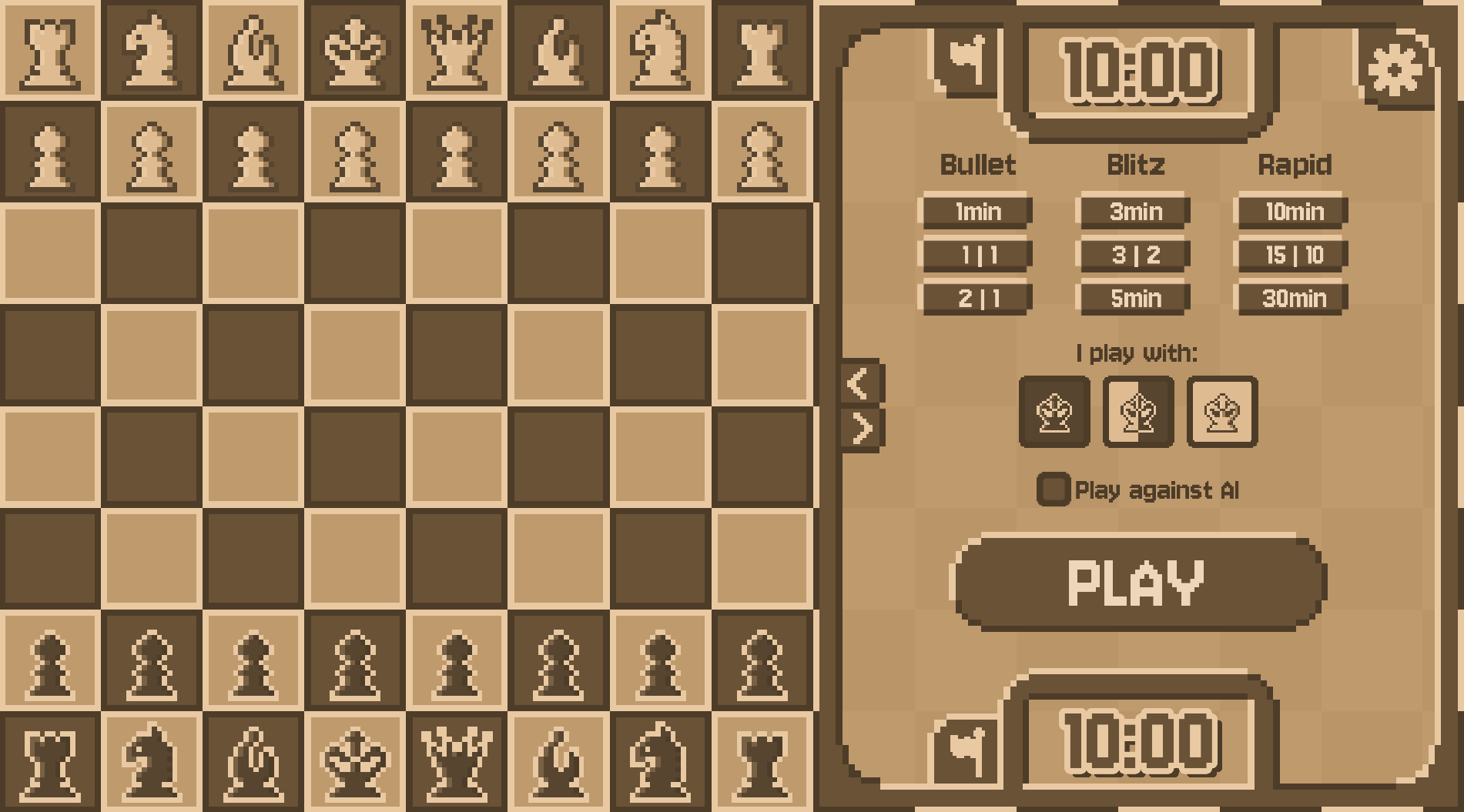
A chess application built in Godot 4 with a C++ engine via GDExtensions. Play against ADOCE (or any UCI-compatible engine), set a time control with increment (e.g. 3|2 = 3 min + 2 sec/move), choose your color, and go.
Features:
- Configurable time controls with increment
- Play as white, black, or random
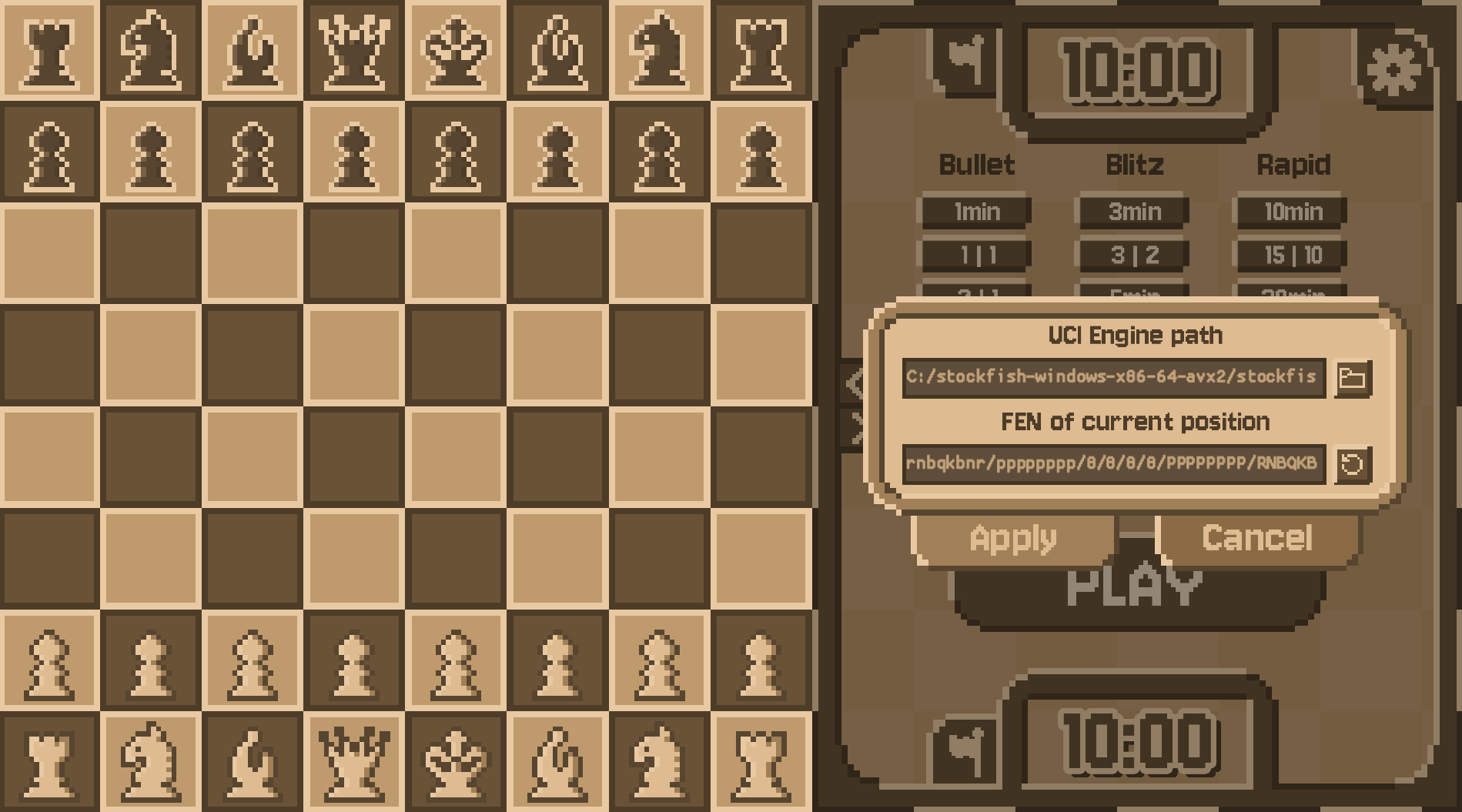
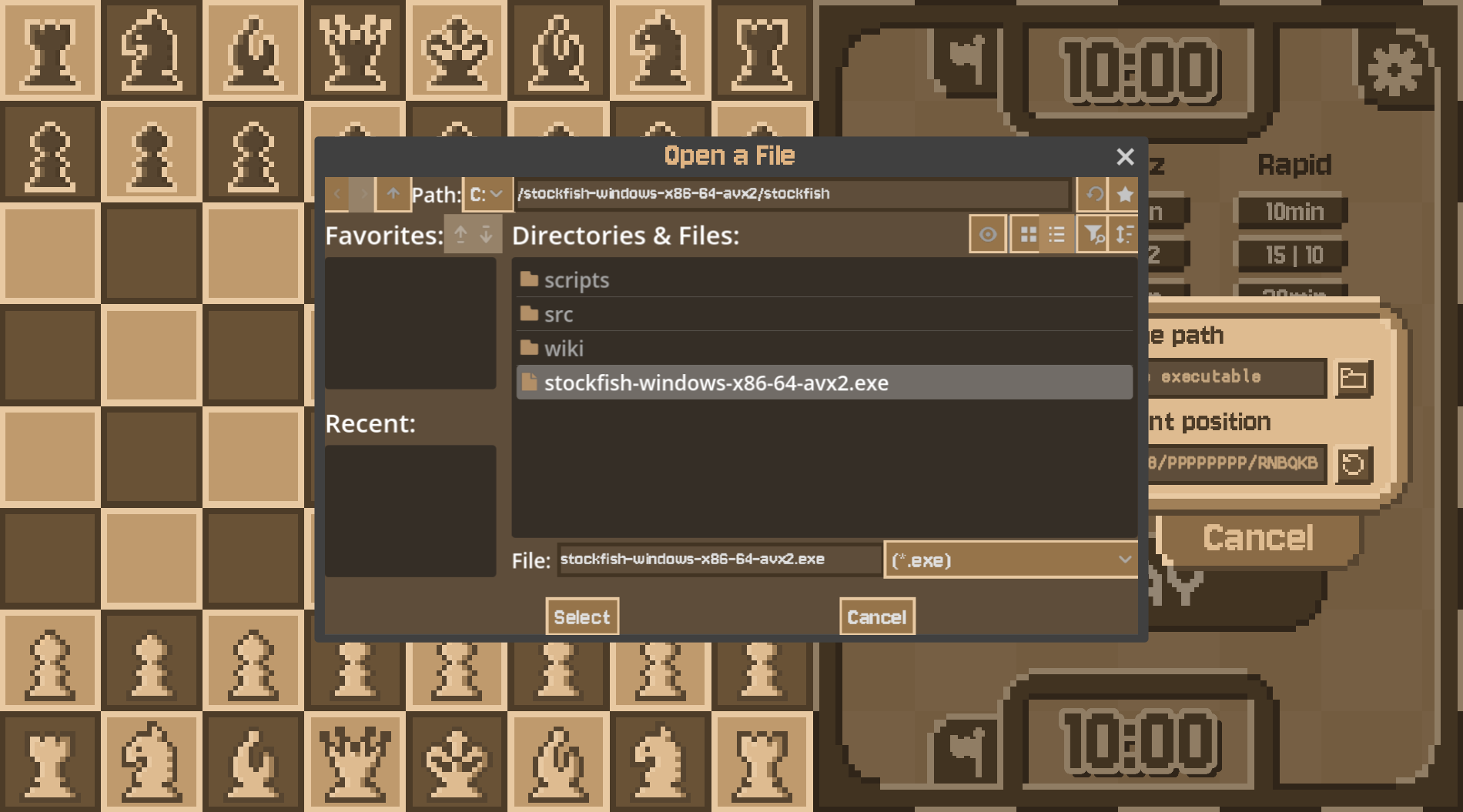
- Supports any UCI-compatible engine (configurable in settings)
- Move history navigation
- Custom starting position via FEN
- Subtle sound effects
Source code & full documentation:
https://github.com/ADOGamedev/Chess_Engine_and_GUI
The GitHub repo contains the full source code and more detailed instructions on how to use the app.
Download
Install instructions
Download & Install
- Download the
.zipand extract it anywhere you like. - Run the
.exe— if Windows shows a "Windows protected your PC" warning, click More info → Run anyway. This happens because the app isn't signed, not because it's harmful. - That's it. No installation needed.
Engines included (predownloaded_engines/ folder):
The zip comes with 6 engines ready to use: 4 well-known UCI engines plus ADOCE (my own) and Sebastian's Lague Chess Engine v1. To switch engines, go to Settings → UCI engine path and point it to any .exe inside that folder.
The .dll file must stay in the same folder as the executable or the app won't launch.
Leave a comment
Log in with itch.io to leave a comment.